official Dragons: Rise of Berk Original



Dragons: Rise of Berk


Program available in English Program license Free - System Android


Category : Strategy
Program  : Free
Version  : 1.22.14
Size     : 76 MB
Works under : Android
Package name : com.ludia.dragons
Votes : 61 Votes / Ratting : 4
Program by : Ludia Inc. 400-410 St. Nicolas Montreal, Quebec, Canada H2Y 2P5
Content rating - Everyone 10+

Watch Dragons: Rise of Berk Video Review 

Review - Dragons: Rise of Berk 

Dragons: Rise of Berk is an Android browser that is a limited version of the regular UC Browser. It has many of the same features that made the UC Browser popular. It is a great alternative browser if you want something simpler than the traditional browsers for Android.  Dragons: Rise of Berk has many great features. One feature is that it is a very fast browser for downloading files or watching videos. Another feature is that video playback can be controlled by gestures. Also, Dragons: Rise of Berk has an incognito mode to secure your privacy. The browser additionally has a Night Mode which makes it easier to read text when it is dark.  The browser is very well designed. The user-interface is very stylish and clean, letting you focus on what you are doing. The tab management is simpler and easier to use than it is for most Android browsers. A quick-search feature allows you to search right from the navigation bar. In addition, navigation cards allow you to get updates about news and events based on your location.  Pros:  Fast download speeds Intuitive user-interface Small and fast browser Many useful features  Cons:  Not as many features as in standard browsers Night Mode may not work well depending on system brightness settings Built-in download manager doesn’t always work as expected

Screenshots Dragons: Rise of Berk 



What Is New 

(function($) { $(function() { // Find all YouTube videos var $allVideos = $("#tabs-4 .vcontainer iframe"), // The element that is fluid width $fluidEl = $("#tabs-4 .vcontainer"); // Figure out and save aspect ratio for each video $allVideos.each(function() { $(this) .data('aspectRatio', this.height / this.width) // and remove the hard coded width/height .removeAttr('height') .removeAttr('width'); }); // When the window is resized $(window).resize(function() { var newWidth = $fluidEl.width(); // Resize all videos according to their own aspect ratio $allVideos.each(function() { var $el = $(this); $el .width(newWidth) .height(newWidth * $el.data('aspectRatio')); }); // Kick off one resize to fix all videos on page load }).resize(); }); })(jQuery);

Mod APK adAway Original


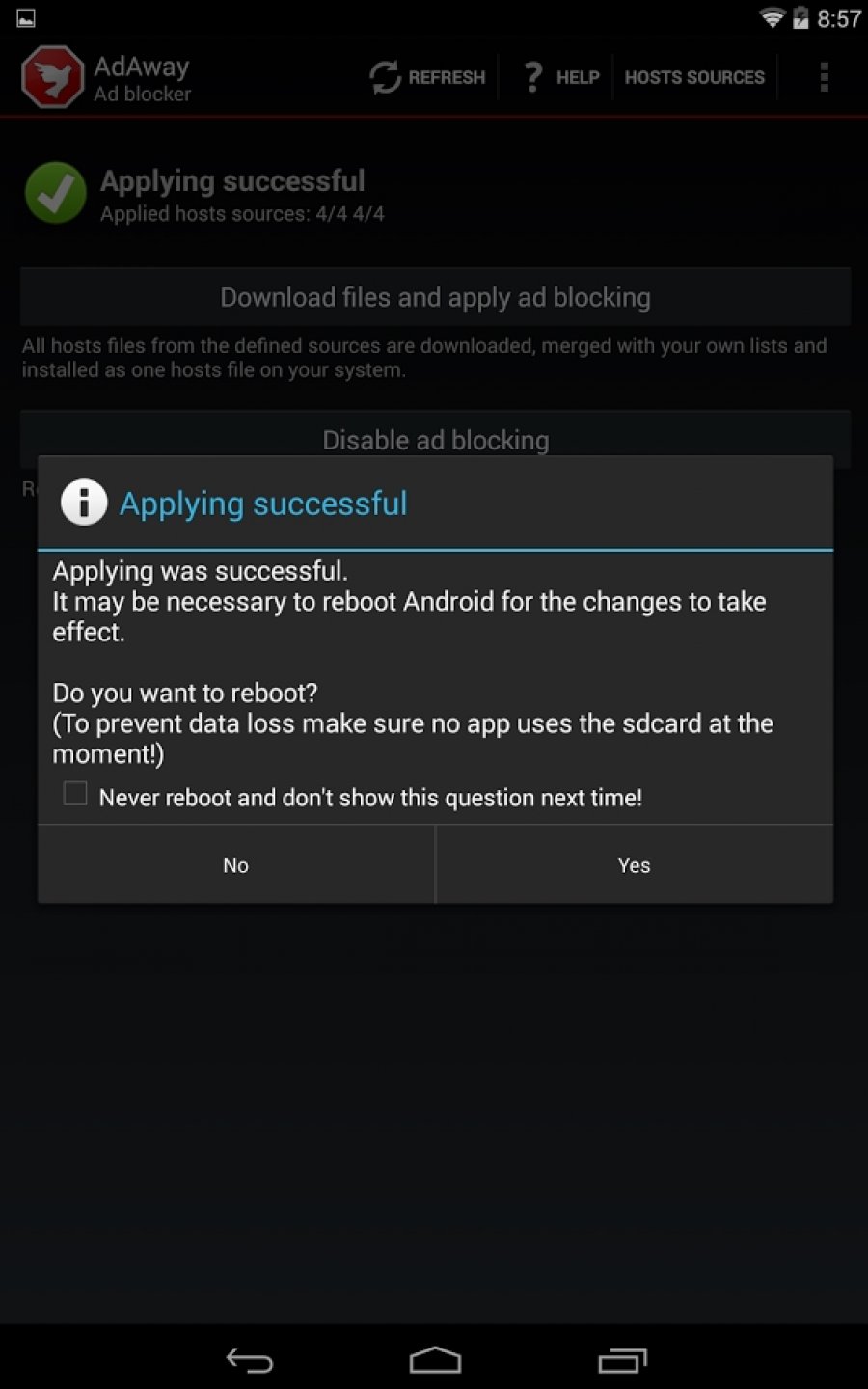
adAway


Program available in Windows Program license Free - System Android


Category : Browsing
Program  : Free
Version  : 3.1.2
Size     : 5 MB
Works under : Android
Package name : Everyone
Votes : 1 Votes / Ratting : 3.8
Program by : org.adaway
Content rating - English

Watch adAway Video Review 

Review - adAway 

adAway is an Android browser that is a limited version of the regular UC Browser. It has many of the same features that made the UC Browser popular. It is a great alternative browser if you want something simpler than the traditional browsers for Android.  adAway has many great features. One feature is that it is a very fast browser for downloading files or watching videos. Another feature is that video playback can be controlled by gestures. Also, adAway has an incognito mode to secure your privacy. The browser additionally has a Night Mode which makes it easier to read text when it is dark.  The browser is very well designed. The user-interface is very stylish and clean, letting you focus on what you are doing. The tab management is simpler and easier to use than it is for most Android browsers. A quick-search feature allows you to search right from the navigation bar. In addition, navigation cards allow you to get updates about news and events based on your location.  Pros:  Fast download speeds Intuitive user-interface Small and fast browser Many useful features  Cons:  Not as many features as in standard browsers Night Mode may not work well depending on system brightness settings Built-in download manager doesn’t always work as expected

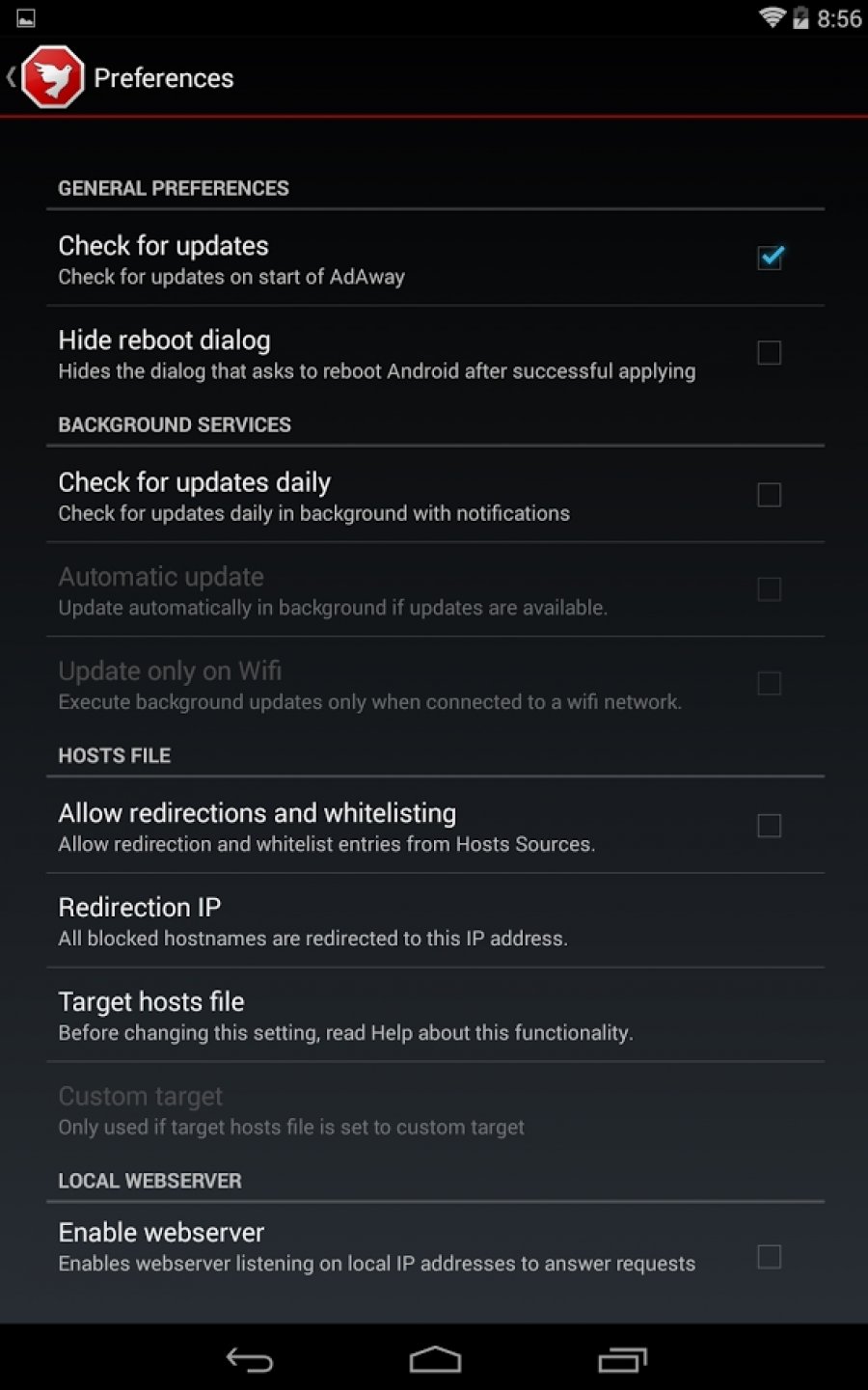
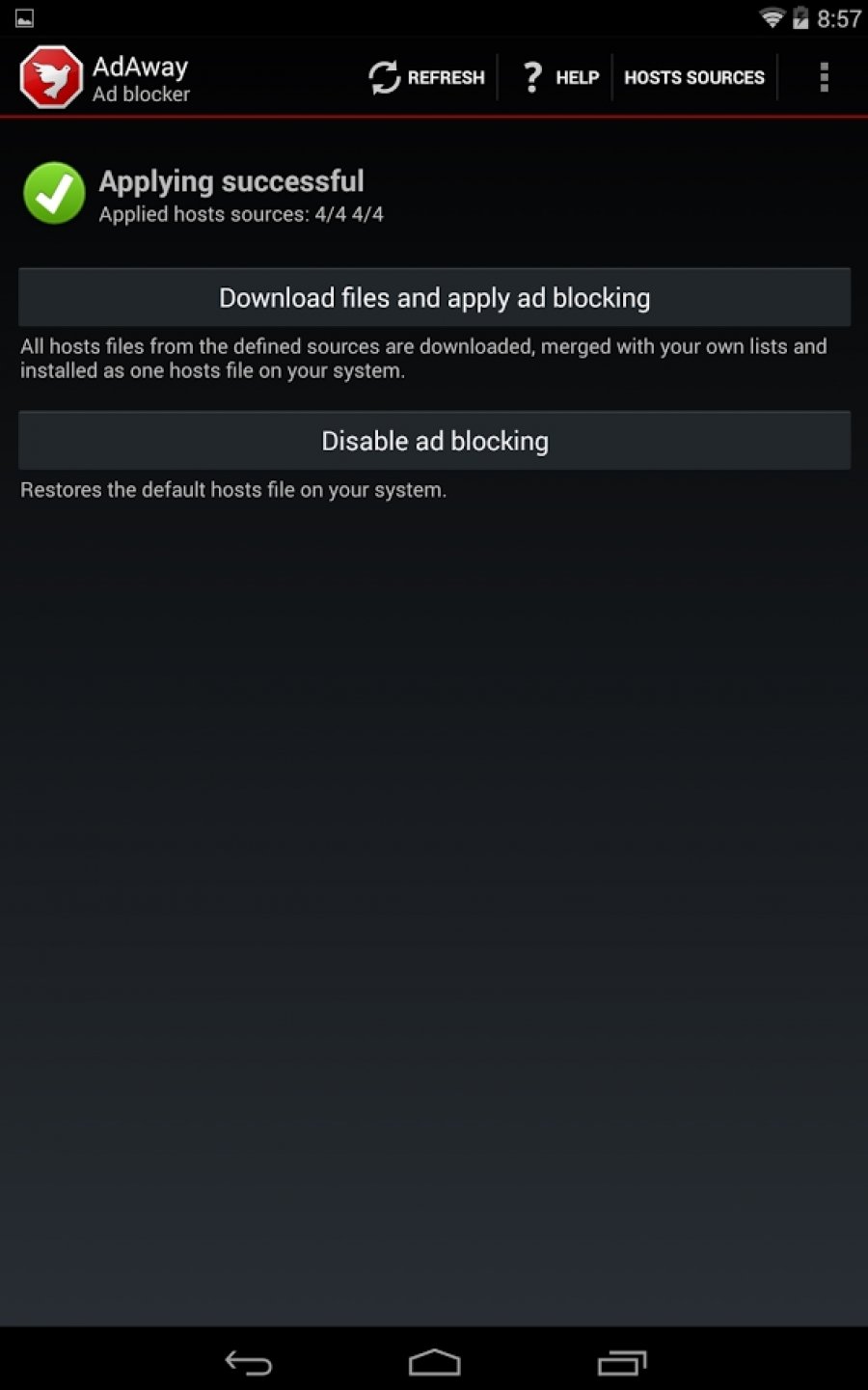
Screenshots adAway 


What Is New 

What's in this version: Please report bugs on the following website instead of writing bad reviews: http://code.google.com/p/ad-away/issues 2.2 * Introduce SUPERUSER permission for new Superuser app * Allow backups of AdAway (for Carbon) * Logo reworked thanks to Alin ?o?ea-Radu 2.1 * Allow whitelist entries from hosts sources if enabled in preferences - Fixed missing menu entry for hosts sources on tablets - Webserver on boot should work more reliable - Webserver should not be killed on low memory


Mod APK Photo Editor Pro full version


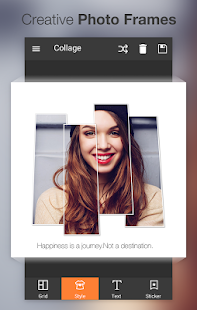
Photo Editor Pro


Program available in English Program license Free - System Android


Category : Photography
Program  : Free
Version  : 2.9.8
Size     : 17 MB
Works under : Android
Package name : com.zentertain.photoeditor
Votes : 73 Votes / Ratting : 4.5
Program by : Zentertain HK
Content rating - Teen

Watch Photo Editor Pro Video Review 

Review - Photo Editor Pro 

Photo Editor Pro is an Android browser that is a limited version of the regular UC Browser. It has many of the same features that made the UC Browser popular. It is a great alternative browser if you want something simpler than the traditional browsers for Android.  Photo Editor Pro has many great features. One feature is that it is a very fast browser for downloading files or watching videos. Another feature is that video playback can be controlled by gestures. Also, Photo Editor Pro has an incognito mode to secure your privacy. The browser additionally has a Night Mode which makes it easier to read text when it is dark.  The browser is very well designed. The user-interface is very stylish and clean, letting you focus on what you are doing. The tab management is simpler and easier to use than it is for most Android browsers. A quick-search feature allows you to search right from the navigation bar. In addition, navigation cards allow you to get updates about news and events based on your location.  Pros:  Fast download speeds Intuitive user-interface Small and fast browser Many useful features  Cons:  Not as many features as in standard browsers Night Mode may not work well depending on system brightness settings Built-in download manager doesn’t always work as expected

Screenshots Photo Editor Pro 


What Is New 

? Brand new album design with better user experience! ? Support Spanish, German, French, Indonesian, Japanese, Korean, Simplified and Traditional Chinese in-app! ? Optimized performance and overall user experience. ? General fixes and improvements.


Mod APK WiFi Map Pro Original


WiFi Map Pro


Program available in English Program license Free - System Android


Category : Networks
Program  : Free
Version  : 5.2.10
Size     : 67 MB
Works under : Android
Package name : io.wifimap.wifimap
Votes : 79 Votes / Ratting : 4
Program by : WiFi Map LLC 25 Broadway, 9th Floor New York, NY 10004
Content rating - Everyone

Watch WiFi Map Pro Video Review 

Review - WiFi Map Pro 

WiFi Map Pro is an Android browser that is a limited version of the regular UC Browser. It has many of the same features that made the UC Browser popular. It is a great alternative browser if you want something simpler than the traditional browsers for Android.  WiFi Map Pro has many great features. One feature is that it is a very fast browser for downloading files or watching videos. Another feature is that video playback can be controlled by gestures. Also, WiFi Map Pro has an incognito mode to secure your privacy. The browser additionally has a Night Mode which makes it easier to read text when it is dark.  The browser is very well designed. The user-interface is very stylish and clean, letting you focus on what you are doing. The tab management is simpler and easier to use than it is for most Android browsers. A quick-search feature allows you to search right from the navigation bar. In addition, navigation cards allow you to get updates about news and events based on your location.  Pros:  Fast download speeds Intuitive user-interface Small and fast browser Many useful features  Cons:  Not as many features as in standard browsers Night Mode may not work well depending on system brightness settings Built-in download manager doesn’t always work as expected

Screenshots WiFi Map Pro 


What Is New 

We hope youre enjoying the app! Please, keep it regularly updated to always have our latest improvements, we want you to get the most out of it.


Mod APK TinyTunes full version


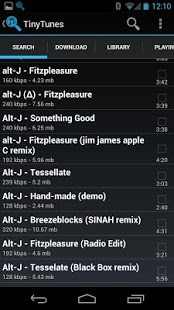
TinyTunes


Program available in English Program license Free - System Android


Category : Video and Audio Downloaders
Program  : Free
Version  : 1.7.1
Size     : 6 MB
Works under : Android
Package name : com.exigo.tinytunes
Votes : 2 Votes / Ratting : 4.3
Program by : Exigo Software
Content rating - Everyone

Watch TinyTunes Video Review 

Review - TinyTunes 

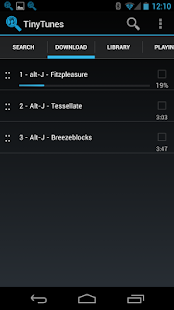
TinyTunes is an Android browser that is a limited version of the regular UC Browser. It has many of the same features that made the UC Browser popular. It is a great alternative browser if you want something simpler than the traditional browsers for Android.  TinyTunes has many great features. One feature is that it is a very fast browser for downloading files or watching videos. Another feature is that video playback can be controlled by gestures. Also, TinyTunes has an incognito mode to secure your privacy. The browser additionally has a Night Mode which makes it easier to read text when it is dark.  The browser is very well designed. The user-interface is very stylish and clean, letting you focus on what you are doing. The tab management is simpler and easier to use than it is for most Android browsers. A quick-search feature allows you to search right from the navigation bar. In addition, navigation cards allow you to get updates about news and events based on your location.  Pros:  Fast download speeds Intuitive user-interface Small and fast browser Many useful features  Cons:  Not as many features as in standard browsers Night Mode may not work well depending on system brightness settings Built-in download manager doesn’t always work as expected

Screenshots TinyTunes 


What Is New 

What's New Feedback has been great. Keep the emails coming! If anyone is willing to help translate the app into your native language please let us know. v1.5 - Added lock screen controls - Fixes for hardware media buttons - Added submit button to search menu - Removed under performing search engine - Added a new search engine - Removed custom styles for older devices - Bug fixes Read more


official MediaClip - Download videos full version


MediaClip - Download videos


Program available in English Program license Free - System Android


Category : Video and Audio Downloaders
Program  : Free
Version  : 1.0.23
Size     : 1 MB
Works under : Android
Package name : com.appseals.mediaclip.android
Votes : 4 Votes / Ratting : 4.1
Program by : appseals
Content rating - Everyone

Watch MediaClip - Download videos Video Review 

Review - MediaClip - Download videos 

MediaClip - Download videos is an Android browser that is a limited version of the regular UC Browser. It has many of the same features that made the UC Browser popular. It is a great alternative browser if you want something simpler than the traditional browsers for Android.  MediaClip - Download videos has many great features. One feature is that it is a very fast browser for downloading files or watching videos. Another feature is that video playback can be controlled by gestures. Also, MediaClip - Download videos has an incognito mode to secure your privacy. The browser additionally has a Night Mode which makes it easier to read text when it is dark.  The browser is very well designed. The user-interface is very stylish and clean, letting you focus on what you are doing. The tab management is simpler and easier to use than it is for most Android browsers. A quick-search feature allows you to search right from the navigation bar. In addition, navigation cards allow you to get updates about news and events based on your location.  Pros:  Fast download speeds Intuitive user-interface Small and fast browser Many useful features  Cons:  Not as many features as in standard browsers Night Mode may not work well depending on system brightness settings Built-in download manager doesn’t always work as expected

Screenshots MediaClip - Download videos 


What Is New 

What's New If the version is under 0.27, You must update the app! Ver 1.0.28 (9/24) New! * Fixed bugs about Streaming playback. * Fixed bugs about Getting video data. Ver 1.0.26 (9/18) * I can now share with friends, videos and images of your favorite. Corresponding SNS (WhatsApp,LINE, twitter, facebook, Cubie .. etc) Ver 1.0.24 (9/6) * Supported High quality(HQ) videos. * Supported streaming playback for Android 2.x. Read more


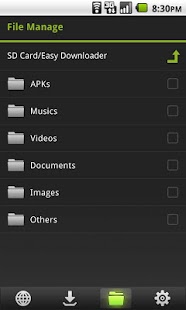
Free APK Easy Downloader Original


Easy Downloader


Program available in English Program license Free - System Android


Category : Video and Audio Downloaders
Program  : Free
Version  : 2.3.3
Size     : 1 MB
Works under : Android
Package name : com.et.easy.download
Votes : 2 Votes / Ratting : 3
Program by : 2Easy Team
Content rating - Low Maturity

Watch Easy Downloader Video Review 

Review - Easy Downloader 

Easy Downloader is an Android browser that is a limited version of the regular UC Browser. It has many of the same features that made the UC Browser popular. It is a great alternative browser if you want something simpler than the traditional browsers for Android.  Easy Downloader has many great features. One feature is that it is a very fast browser for downloading files or watching videos. Another feature is that video playback can be controlled by gestures. Also, Easy Downloader has an incognito mode to secure your privacy. The browser additionally has a Night Mode which makes it easier to read text when it is dark.  The browser is very well designed. The user-interface is very stylish and clean, letting you focus on what you are doing. The tab management is simpler and easier to use than it is for most Android browsers. A quick-search feature allows you to search right from the navigation bar. In addition, navigation cards allow you to get updates about news and events based on your location.  Pros:  Fast download speeds Intuitive user-interface Small and fast browser Many useful features  Cons:  Not as many features as in standard browsers Night Mode may not work well depending on system brightness settings Built-in download manager doesn’t always work as expected

Screenshots Easy Downloader 


What Is New 

What's New Remove the browsing restriction Users needn't download Dolphin Browser and can browse freely in the app now! Million thanks to our warm hearted users who share resources with us. Please email us to share more resources and then we'll update it in the app for our users. Thanks all of you:) Read more